
Spreadsheet for Beginners
Overview :
This course is designed to introduce new users to the basic tools, features and functions of Spreadsheets for organising, analysing and visualising data effectively by providing solid foundation in Spreadsheet for personal or work-related tasks. While this course is designed to equip learners with foundational Spreadsheet skills and knowledge, serving as a steppingstone toward advanced proficiency in data analysis and manipulation.

Our Objectives
What we aim to achieve through this training
Master spreadsheet fundamentals and navigate the spreadsheet environment.
Perform basic calculations and manage spreadsheet data effectively.
Create well-formatted and professional worksheets.
Organise, manage and prepare workbooks for professional use.
Prerequisites / Requirements
What You'll Learn?
Gain practical, job-ready skills to excel in this field
Spreadsheet Interface
Understand the Spreadsheet Interface by familiarising with ribbons, cells, rows, columns and worksheets
Formulas & Calculations
Gain hands-on experience with basic Formulas and simple arithmetic
Data Entry & Formatting
Develop skills in data entry and formatting
Data Organisation & Analysis
Proficient in organising, analysing, visualising and printing data
Data Visualisation & Printing
Manage workbooks effectively.
Course Curriculum
Structured learning path to master Spreadsheet for Beginners
Getting Started with Spreadsheet
Build a strong foundation in spreadsheet fundamentals, including navigating the interface, creating and saving workbooks, managing cell data and using web-based spreadsheet features.
- Explore the Spreadsheet Environment
- Execute Spreadsheet Commands
- Build and Save Workbooks
- Utilise Spreadsheet for the Web
- Input and Manage Cell Data
Performing Calculations in Spreadsheet
Learn to perform calculations using custom formulas and built-in functions and efficiently copy and reuse formulas across worksheets.
- Build Custom Formulas
- Apply Built-In Functions
- Copy and Reuse Formulas & Functions
Modifying Worksheets in Spreadsheet
Develop skills to customise worksheet layouts, find and update data and use built-in proofing and research tools effectively.
- Customise Worksheet Layout
- Locate and Update Data
- Use Proofing and Research Features
Formatting Worksheets in Spreadsheet
Learn to professionally format text and numerical data, control cell alignment, apply visual styling and use conditional formatting.
- Format Text Entries
- Format Numerical Data
- Control Cell Alignment
- Enhance Cells with Visual Styling
- Apply Conditional Formatting
Printing in Spreadsheet
Learn how to prepare spreadsheets for professional printing by using print preview, page setup options, headers and footers.
- Preview and Print Workbook Contents
- Configure Page Setup Options
- Add Headers and Footers
Managing Workbooks in Spreadsheet
Develop practical skills for organising worksheets, customising workbook views and managing workbook metadata and settings.
- Organise Worksheet Structure
- Adjust Workbook and Worksheet Display Options
- Modify Workbook Metadata and Settings
Key Features
Spreadsheet Interface
Understanding ribbons, cells, rows, columns and worksheets
Basic Formulas
Performing calculations with simple formulas
Data Entry & Formatting
Text, numbers, dates, fonts, borders and colors
Sorting & Filtering
Organising and narrowing down data sets
File Management
Saving, sharing and printing Spreadsheet files
Certification & Exam Details
| Exam Name | Spredsheet for Beginners |
| Exam Code | N/A |
Why Choose Edura for an Online Course?
Empowering your career with globally recognized excellence.
Edura partners with global certification bodies (like PostgreSQL, Microsoft, ICAEW, etc.) to deliver industry‑aligned courses.
Our courses are designed around real-world industry requirements, ensuring learners gain relevant and up-to-date skills that create meaningful career opportunities.
Learn from experienced instructors who bring practical industry insights, technical expertise and proven methodologies into every session.
Our programs are structured to help professionals enhance their capabilities, achieve certifications and progress confidently in their careers.
Experience learning beyond theory through interactive sessions, real-world scenarios, hands-on labs and practical assignments that build workplace confidence.
Options include classroom, online and blended formats, making it accessible for working professionals and students.
Who Can Join?
Designed for anyone starting their learning journey
Beginners
Individuals who are new to spreadsheets and want to build a strong foundation in using spreadsheet applications.
Office & Administrative Professionals
Professionals who need spreadsheet skills for everyday data entry, calculations, reporting and document management.
Students & Fresh Graduates
Students and fresh graduates looking to develop practical spreadsheet skills for academic and professional use.
Anyone Looking to Build Essential Digital Skills
Anyone seeking practical spreadsheet skills to create, organise, manage and work with electronic spreadsheets effectively.
Professionals Seeking Upskilling
Individuals who want to improve their existing spreadsheet knowledge and enhance their workplace productivity.
Career Paths
Roles and opportunities following this course
Entry Level / Foundation Roles
Data Entry Assistant · Office Assistant · Administrative Assistant · Junior Clerk
Mid-Level
Administrative Executive · Office Coordinator · Accounts Assistant · HR Assistant
Advanced / Leadership
Senior Administrative Executive · Office Manager · Operations Coordinator · MIS / Reporting Executive
How To Get Certified?
Register at Edura Training and Development
Complete the recommended training modules
Pass the final assessment
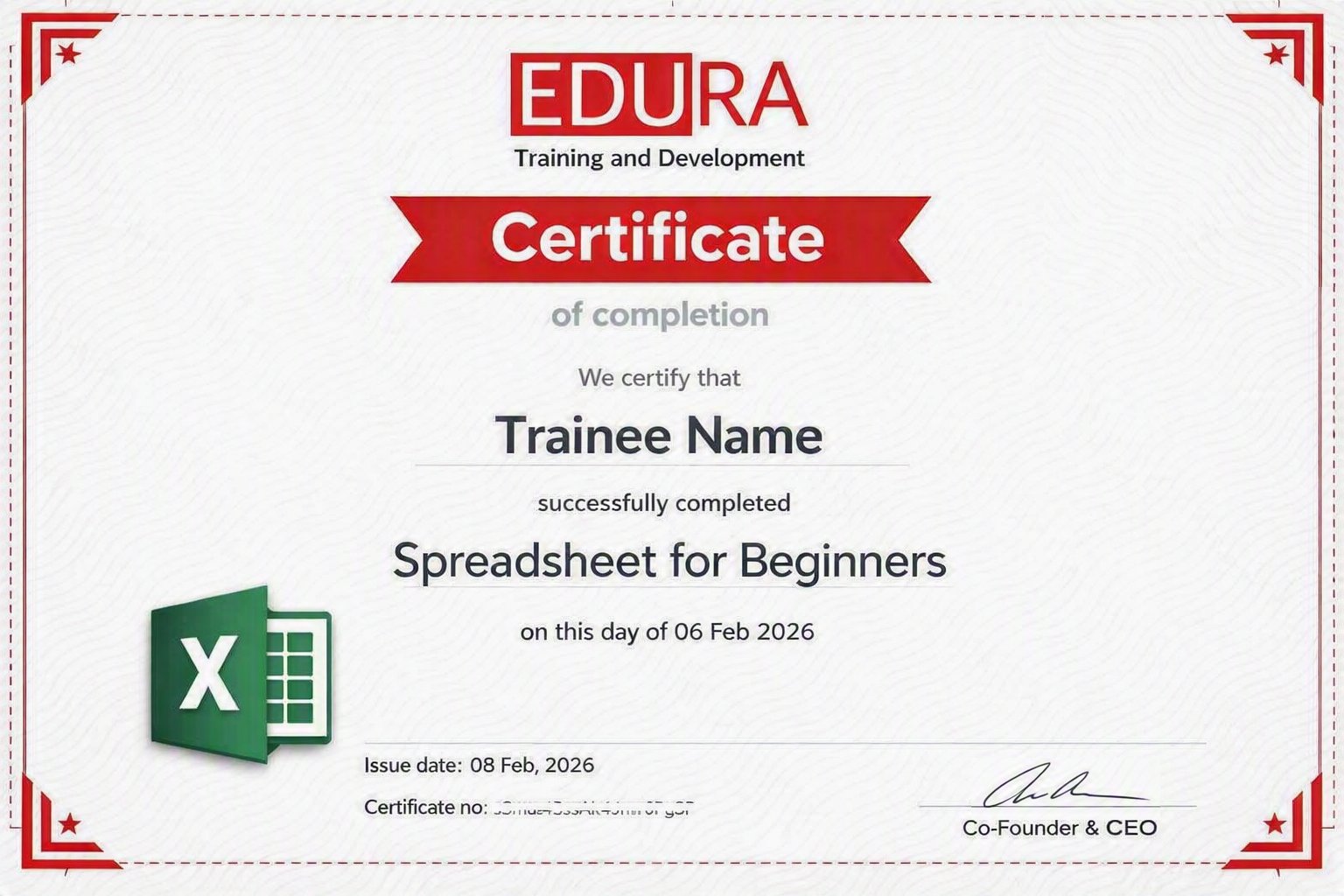
Earn your Certified PostgreSQL Database Administrator Certification
Frequently Asked Questions
No. The course is designed for beginners and starts with the fundamentals of using a spreadsheet application.
You will learn how to create and manage workbooks, enter and format data, use basic formulas and functions, organise worksheets, apply conditional formatting and prepare spreadsheets for printing.
Yes. The course includes practical, hands-on activities to help you apply spreadsheet concepts and build confidence through practice.
Yes. Spreadsheet skills are widely used in administrative, data entry, accounting, HR, sales support and other office-based roles.
You will develop a solid foundation in spreadsheet use and be able to perform common spreadsheet tasks confidently.