
Spreadsheet for Intermediate
Overview:
This course is designed to advance users beyond foundational skills in Spreadsheet by introducing more sophisticated tools, functions and techniques for managing, analysing and presenting data with precision. Participants will deepen their understanding of Spreadsheet's capabilities to handle complex datasets, automate tasks and generate dynamic reports for professional use.
Our Objectives
What we aim to achieve through this training
Manage Complex Data
Apply Intermediate Formulas & Functions
Create & Manage Tables
Visualise Data Effectively
Analyse & Summarise Data
Collaborate & Protect Workbooks
Prerequisites / Requirements
What You'll Learn?
Gain practical, job-ready skills to excel in this field
Advanced Data Entry & Management
Understand advanced data entry techniques including validation, formatting and structured management.
Intermediate Formulas & Functions
Use intermediate formulas and functions
Data Management with Tables
Organise and manipulate data using Tables in Spreadsheet
Data Visualisation & Charts
Design and customise charts to visualise trends, comparisons and performance metrics
Data Analysis for Decision-Making
Utilise data analysis tools for decision support
Professional Data Management
Demonstrate proficiency in managing complex datasets and preparing outputs for professional use
Course Curriculum
Structured learning path to master Spreadsheet for Intermediate
Advanced Data Entry and Management
Learn to manage larger datasets efficiently using data validation, named ranges, sorting and filtering techniques.
- Use Data Validation
- Work with Named Ranges
- Sort and Filter Data
Intermediate Formulas and Functions
Develop practical skills in using logical, lookup and text functions to perform calculations and work with data effectively.
- Use Logical Functions
- Use Lookup Functions
- Use Text Functions
Working with Tables and Structured References
Learn to create, format and manage tables while using table features and structured references for organised data management.
- Create and Format Tables in Spreadsheet
- Use Table Features
Visualising Data with Charts
Create and customise charts to present data clearly and use Sparklines and trendlines to highlight patterns and trends.
- Create Basic Charts
- Customise Chart Elements
- Use Sparklines and Trendlines
Data Analysis Tools
Use PivotTables, What-If Analysis and data consolidation techniques to summarise, analyse and interpret spreadsheet data.
- Use PivotTables
- Use What-If Analysis
- Use Data Consolidation
Collaboration and Protection
Learn to protect worksheets and workbooks, manage comments and changes and collaborate with others through sharing and co-authoring features.
- Protect Worksheets and Workbooks
- Track Changes and Comments
- Share and Co-Author Workbooks
Key Features
Data Organisation & Validation
Understand advanced data entry techniques including validation, formatting and structured management.
Powerful Functions & Formulas
Use intermediate formulas and functions
Structured Tables & Formulas
Organise and manipulate data using Tables in Spreadsheet
Visual Data Presentation
Design and customise charts to visualise trends, comparisons and performance metrics
Data Analysis & Insights
Utilise data analysis tools for decision support
Advanced Data Handling
Demonstrate proficiency in managing complex datasets and preparing outputs for professional use
Certification & Exam Details
| Exam Name | Spreadsheet for Intermediate |
Why Choose Edura for an Online Course?
Empowering your career with globally recognized excellence.
Edura partners with global certification bodies (like PostgreSQL, Microsoft, ICAEW, etc.) to deliver industry‑aligned courses.
Our courses are designed around real-world industry requirements, ensuring learners gain relevant and up-to-date skills that create meaningful career opportunities.
Learn from experienced instructors who bring practical industry insights, technical expertise and proven methodologies into every session.
Our programs are structured to help professionals enhance their capabilities, achieve certifications and progress confidently in their careers.
Experience learning beyond theory through interactive sessions, real-world scenarios, hands-on labs and practical assignments that build workplace confidence.
Options include classroom, online and blended formats, making it accessible for working professionals and students.
Who Can Join?
Designed for anyone starting their learning journey
Spreadsheet Learners
Learners with basic Spreadsheet knowledge ready to progress to more advanced functions
HR & Administration Professionals
Professionals in HR, finance, operations and administration who use Spreadsheets regularly
Data Analysts & Coordinators
Data analysts and coordinators seeking to enhance reporting and visualisation skills
Educators & Trainers
Educators and trainers integrating Spreadsheet into curriculum or assessments
Government & Corporate Staff
Government and corporate staff involved in budgeting, compliance or workforce planning
Learners and job seekers
Learners and job seekers looking to develop practical spreadsheet skills that support academic and workplace requirements.
Career Paths
Roles and opportunities following this course
Foundation
Administrative Executive, Accounts Assistant, HR Assistant, Sales Support Executive
Professional
MIS Executive, Reporting Executive, Finance Executive, Operations Coordinator
Advanced
MIS Analyst, Business Analyst, Data Analyst, Operations Manager
How To Get Certified?
Register at Edura Training and Development
Complete the recommended training modules
Pass the final assessment
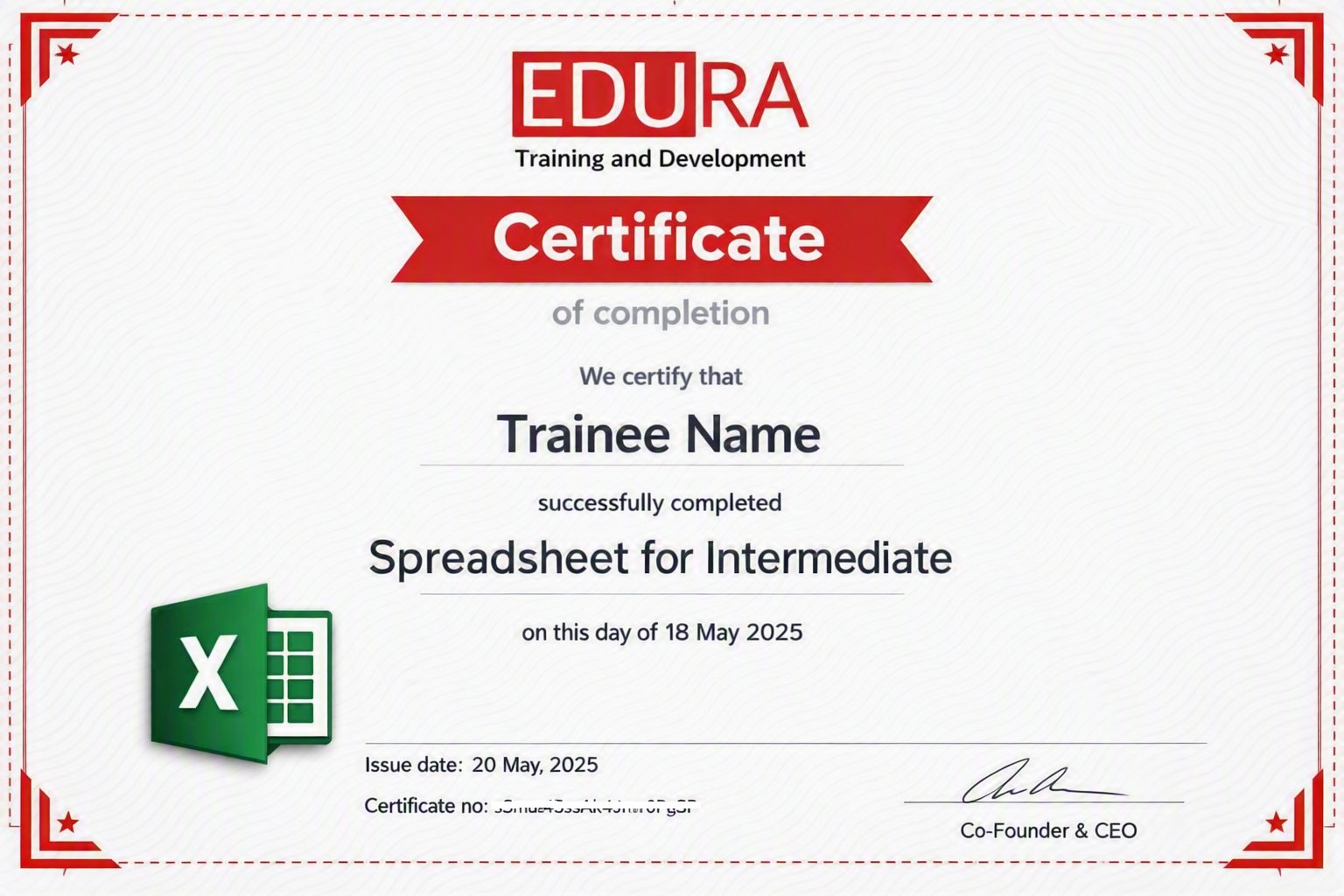
Earn your Certification
Frequently Asked Questions
This course is designed for learners who already have basic spreadsheet knowledge and want to develop more advanced skills for professional and workplace use.
Yes. A basic understanding of spreadsheets, including data entry, formatting and simple formulas, is recommended.
You will learn intermediate formulas and functions, data validation, tables, structured references, charts, Sparklines, PivotTables, What-If Analysis, data consolidation, collaboration and workbook protection.
You can apply your intermediate spreadsheet skills in roles such as MIS Executive, Reporting Executive, Finance Executive, Operations Coordinator and other data-focused positions.